How To Record Electronic Drums: Easy Studio Guide
Record electronic drums by sending the kit’s MIDI data to a computer, then shape the sound with a drum plugin or module.
Learning how to record electronic drums is easier than it first seems. The best results come from choosing the right connection, setting clean MIDI or audio levels, reducing latency, and building a natural drum performance. This guide explains the full process, from cables and software to mixing, troubleshooting, and realistic playing.

What You Need to Record Electronic Drums
Before learning how to record electronic drums, gather the right tools. Most electronic drum kits can send MIDI, audio, or both. MIDI gives you the most control, while audio recording captures the exact sound from your drum module.
You will usually need:
- An electronic drum kit with a drum module
- A computer with a digital audio workstation, such as Logic Pro, Ableton Live, FL Studio, Pro Tools, or Reaper
- A USB cable or MIDI interface
- An audio interface if you plan to record the module’s audio
- Headphones or studio monitors
- A drum plugin or the sounds built into your drum module
- Instrument cables for analog audio connections
- A stable drum throne and a comfortable playing setup
A USB connection is often the simplest option. Many modern drum modules send MIDI data directly to a computer through USB. Older modules may need five-pin MIDI cables and a separate MIDI interface.
Your computer does not need to be extremely powerful for basic recording. However, a faster processor, enough memory, and a solid-state drive can help when using large sample libraries with many drum sounds.
MIDI Recording vs. Audio Recording
The main choice in how to record electronic drums is whether to record MIDI, audio, or both. Each method has clear benefits and limits.
MIDI records performance instructions rather than sound. It stores information such as which pad you hit, how hard you hit it, and when you played it. You can later change the drum kit, adjust notes, edit timing, and fix individual hits.
Audio recording captures sound as an audio waveform. If you record the stereo output from your drum module, you are recording its final mix. This method is quick, but you have less control after recording.
Here is a simple comparison:
| Method | What it records | Main benefit | Main limitation |
|---|---|---|---|
| MIDI | Pad hits, timing, and velocity | Easy editing and sound changes | Needs a drum sound source |
| Stereo audio | The module’s full mix | Fast and simple | Limited mixing control |
| Multitrack audio | Separate drum outputs | Detailed mixing | Needs multiple outputs and cables |
| MIDI plus audio | Performance and sound | Maximum flexibility | Uses more setup and storage |
For most home studios, MIDI is the best starting point. You can record MIDI first, choose a better drum plugin later, and keep the original performance intact.
A strong workflow is to record MIDI and monitor the drum module or plugin. You can then export audio once the performance and sounds are ready.
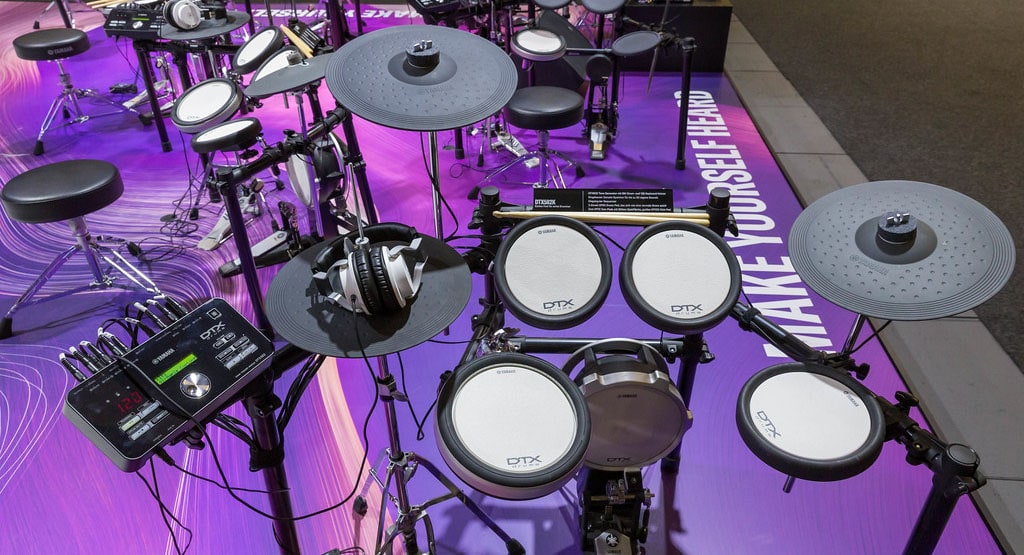 computer”
style=”max-width: 100%; height: auto; border: 2px solid black; border-radius: 10px; display: block; margin: 0 auto;”
loading=”lazy”
/>
How to Connect Electronic Drums to a computer
the connection method depends on your drum module. Check the module’s manual before buying cables. USB, five-pin MIDI, and analog audio outputs work in different ways.
USB MIDI connection
Connect the drum module’s USB port to the computer. Install the correct driver if the manufacturer requires one. Then open your DAW and select the module as the MIDI input.
This setup often sends MIDI data only. You may still need a drum plugin or the module’s audio outputs for sound.
Some modules also send audio through USB. If so, the computer may recognize the module as an audio interface. Select it as the input and output device in your DAW.
Five-pin MIDI connection
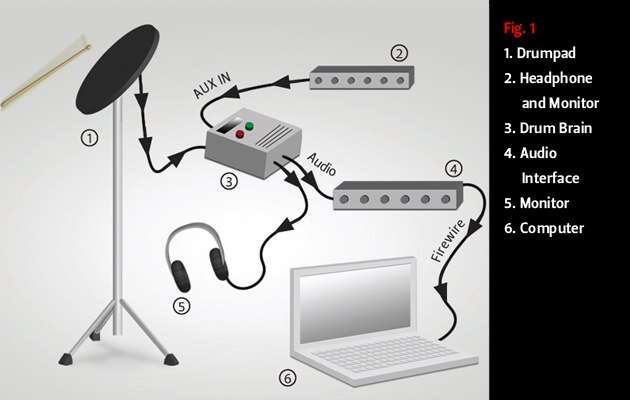
Older electronic drum kits may have MIDI In and MIDI Out ports. To record the performance, connect MIDI Out on the drum module to MIDI In on a MIDI interface.
MIDI cables do not carry audio. You still need headphones connected to the drum module, an audio interface, or your computer’s audio output.
Analog audio connection
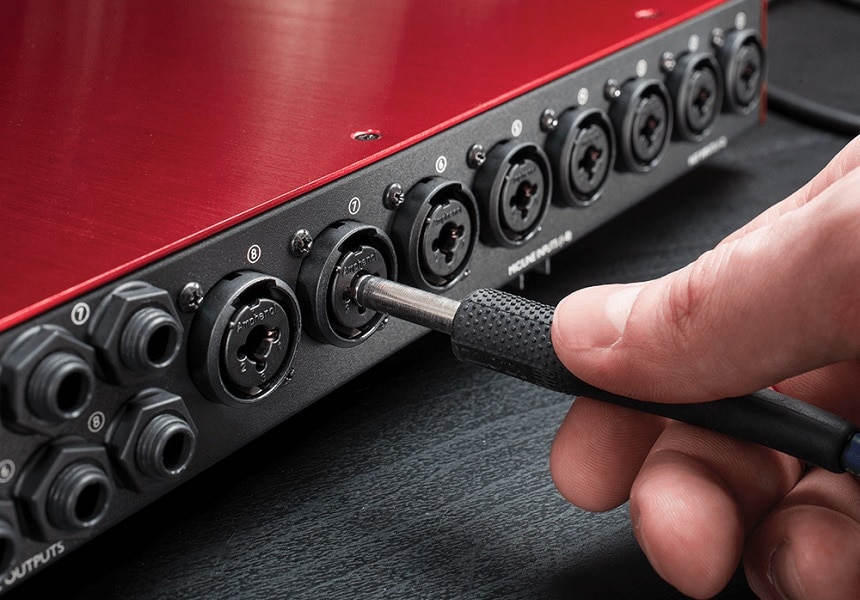
Connect the module’s left and right outputs to two inputs on an audio interface. Use balanced cables when the module and interface support them.
If the module has only a stereo output, you will record the full kit as one stereo signal. If it has separate outputs, you can record the kick, snare, toms, cymbals, and percussion on separate tracks.
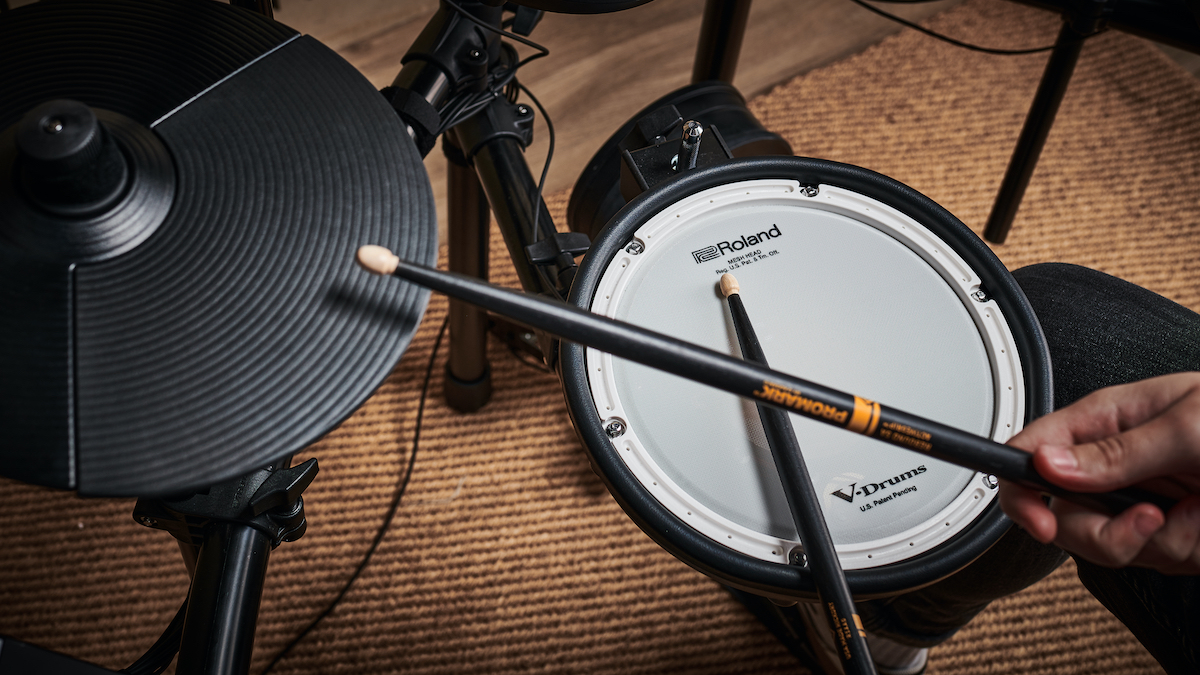
How to Set Up Your DAW
After making the physical connection, configure the DAW before you play. A few careful settings can prevent most recording problems.
Follow these steps:
- Open your DAW and create a new session.
- Choose the correct audio interface or USB drum module.
- Set the sample rate to 44.1 kHz or 48 kHz.
- Set the audio buffer to a low value, such as 64 or 128 samples.
- Create a MIDI or instrument track.
- Select the drum module as the MIDI input.
- Enable input monitoring if needed.
- Load a drum plugin or choose the module’s audio input.
- Arm the track for recording.
- Play each pad and confirm that the DAW receives the correct notes.
A sample rate of 44.1 kHz works well for music releases. A 48 kHz session is common for video work. The key is to choose one rate and use it throughout the project.
The buffer controls latency. A smaller buffer makes the kit feel more responsive but uses more computer power. If you hear clicks or pops, raise the buffer slightly.
Latency is the delay between hitting a pad and hearing the sound. Try to keep total round-trip latency below about 10 milliseconds for a natural playing feel. Some players prefer even lower latency, especially for fast fills.
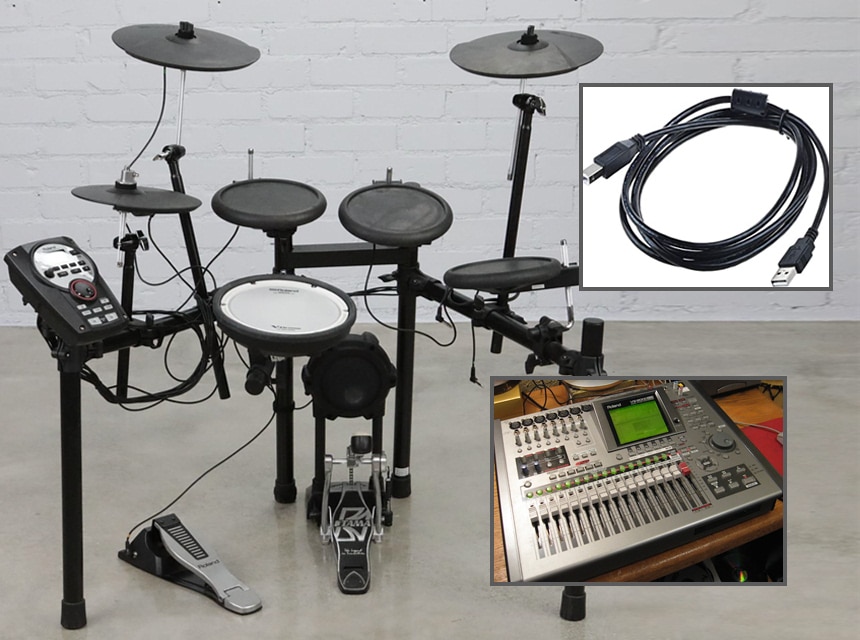
How to Record Electronic Drums Through MIDI
MIDI recording gives you the most flexible result. It also makes it easier to fix small mistakes without losing the feel of the performance.
Start by creating a MIDI or instrument track. Load your chosen drum plugin, then select the electronic drum module as the track’s MIDI input. Make sure each pad triggers the correct sound.
Before recording the full song, test every pad:
- Play the kick and check the kick sound.
- Hit the snare head and rim.
- Test each tom.
- Check the hi-hat pedal and open hi-hat positions.
- Test the crash and ride zones.
- Confirm that the ride bell triggers correctly.
- Check the choke function on cymbal pads.
If a pad triggers the wrong sound, change the MIDI note mapping in the module or plugin. Many drum plugins include preset maps for popular electronic kits.
Record a short test take first. Listen for missed notes, double triggers, incorrect hi-hat sounds, and timing problems. This step can save hours of editing later.
When you are ready, count in for one or two bars. Play the song from start to finish if possible. A complete take often sounds more natural than a performance built from many small pieces.

How to Record Electronic Drums as Audio
Audio recording is useful when you already like the sound of your drum module. It is also a good choice when you need a fast and simple setup.
Connect the module’s main outputs to your audio interface. Use the left output for mono recording or both left and right outputs for stereo recording.
Create an audio track in the DAW. Select the correct inputs, enable monitoring, and set the recording level. Aim for peaks around minus 12 to minus 6 dBFS. This leaves enough headroom and helps prevent digital clipping.
Do not chase a loud recording level. Digital audio does not need to reach 0 dBFS during tracking. A clipped signal cannot be repaired cleanly after recording.
If your module has separate outputs, record individual instruments on separate tracks. This allows you to change the kick level, add snare compression, pan the toms, or reduce cymbal volume during mixing.
A common mistake is recording only the stereo output and then discovering that the snare is too loud. If you are unsure about the module’s internal mix, MIDI recording or multitrack audio gives you more options.
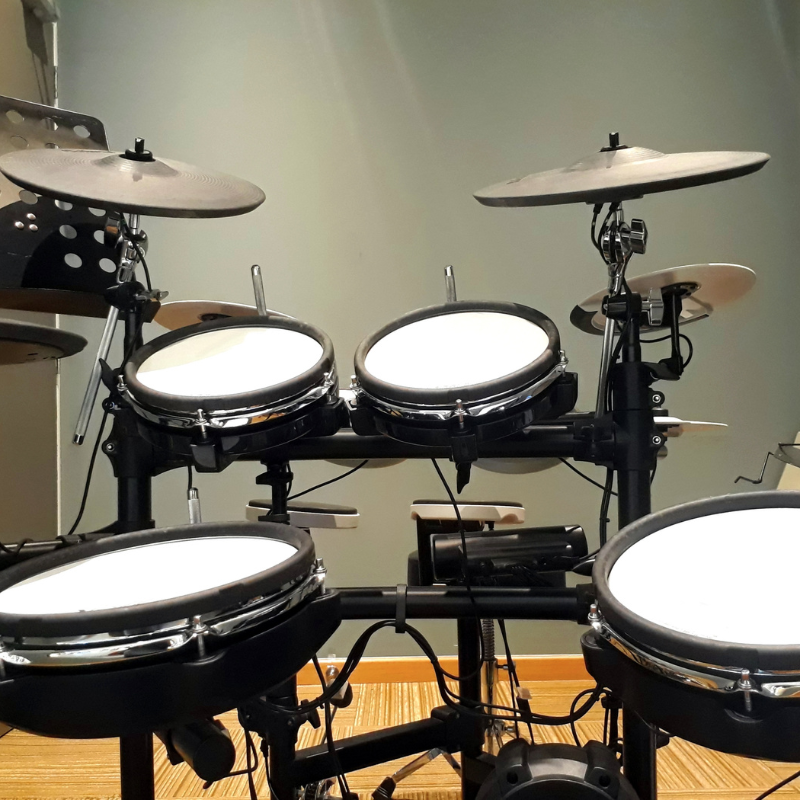
How to Choose Drum Sounds
The sound source has a major effect on the final recording. You can use the built-in sounds from the module or trigger a virtual drum instrument from MIDI.
Built-in module sounds are convenient and have low latency. They are often ideal for demos, rehearsals, live sessions, and quick songwriting.
Drum plugins may offer more detailed samples, room sounds, microphone choices, and mixing controls. They can also provide separate outputs for each drum, which makes mixing easier.
Choose sounds that fit the song rather than sounds that seem impressive alone. A huge rock kick may not suit a soft pop track. A bright snare may fight with a singer’s voice.
Listen to the kit in the full arrangement. A drum sound that feels small by itself may fit the bass and guitars perfectly.
Velocity layers also matter. Many drum instruments use different samples at different playing strengths. If every hit has the same velocity, the performance may sound stiff.
Use the electronic kit’s sensitivity controls to improve response. Adjust threshold, gain, velocity curve, retrigger cancel, and cross-talk settings when available.
How to Make Electronic Drums Sound Natural
Electronic drums can sound very realistic, but natural results depend on performance details. The goal is not perfect timing. The goal is controlled movement with a human feel.
Vary the velocity of repeated notes. A real drummer rarely hits every snare or hi-hat at the same strength. Small changes can make a programmed or edited part feel alive.
Avoid excessive quantization. Quantizing every note to a grid can remove the tiny timing differences that create energy. Start with light quantization and keep the original performance when it already feels good.
Use realistic cymbal patterns. Constantly hitting the same crash sample can sound artificial. Change the velocity, use different cymbal zones, and add occasional accents where the arrangement needs them.
Hi-hat parts deserve special care. Use several levels of openness if your kit supports them. Also check the pedal response, because a poorly mapped hi-hat can make an otherwise strong performance feel unnatural.
A useful editing method is to correct only the notes that distract you. Fix a late kick, a missed snare, or an uneven fill, but leave small variations alone.
How to Mix Recorded Electronic Drums
Mixing begins with balance. Set the faders before adding plugins. The kick, snare, and bass should work together without fighting for the same space.