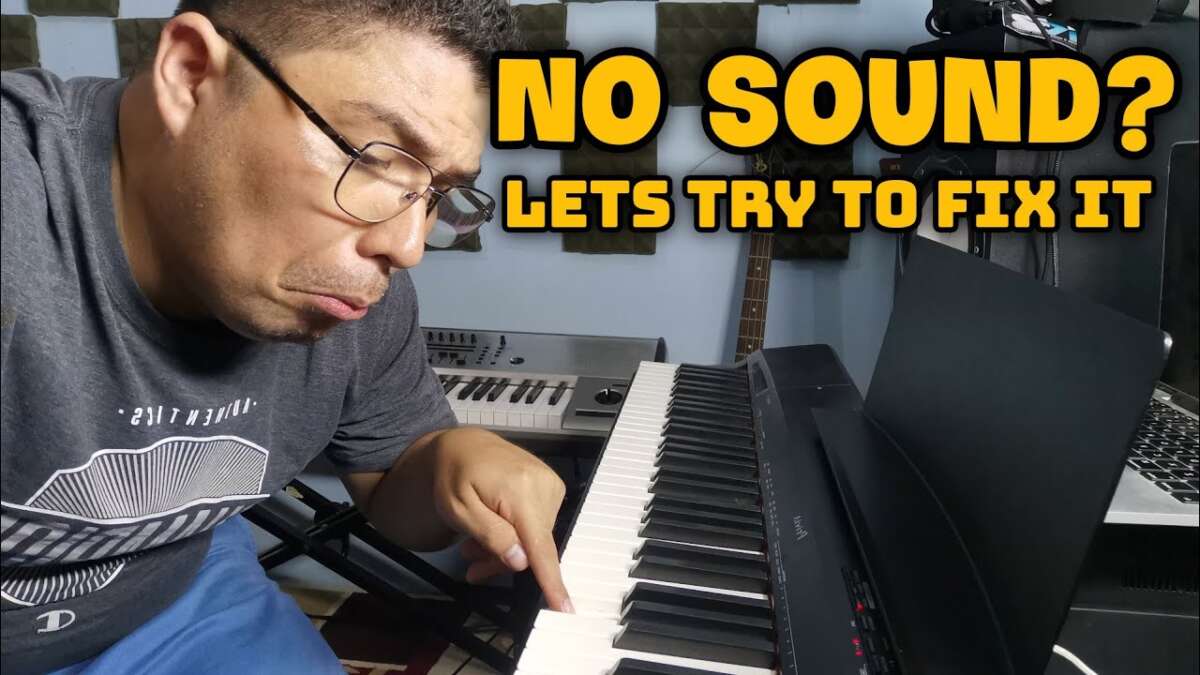
How To Troubleshoot No Sound In Digital Piano: Fast Fix
Check power, volume, cables, headphone settings, and audio routing first to restore sound.
I’ve spent years fixing keyboards and digital pianos for friends and small studios, so I know how frustrating silence can be. This guide shows exactly how to troubleshoot no sound in digital piano step by step. You’ll get practical checks, clear diagnostics, and repair options so you can find and fix the problem with confidence.

Why a digital piano can go silent
Digital pianos can lose sound for many simple reasons. Common causes include dead power, muted volume, disconnected cables, headphone mode engaged, wrong audio output selected, MIDI routing issues, or internal speaker failure. Software settings or firmware bugs sometimes mute or reroute sound without obvious signs.
I will walk you through how to troubleshoot no sound in digital piano from the easiest checks to deeper diagnostics. By covering hardware, settings, and advanced tests, you’ll learn how to isolate the issue and decide whether you can fix it yourself or need a tech.

Quick checklist to try first
These fast checks often solve the problem in minutes. Run through them in order so you don’t miss a simple fix.
- Confirm the piano is powered on and the power light is lit.
- Increase the master volume and check individual voice/track volumes.
- Disconnect headphones to ensure speakers are not disabled.
- Check audio cables and connectors for damage or loose plugs.
- Switch outputs (line out, phones, external amp) to isolate speakers.
- Reset to factory settings if you suspect a menu or routing issue.
- Try a different sound or preset to rule out a single patch problem.
If these quick steps don’t restore sound, proceed to the full step-by-step troubleshooting below to find how to troubleshoot no sound in digital piano precisely.

Step-by-step troubleshooting guide
Follow these ordered steps to methodically diagnose and fix the issue. Test the piano after each step to see if sound returns.
Power and basic hardware checks
- Verify the power adapter matches the required voltage and polarity.
- Try a different outlet and a known-good power adapter if you have one.
- Check internal batteries (if applicable) and power switches.
- Listen for speaker hum or mechanical noise when powered on—complete silence can indicate no power to the audio stage.
How to troubleshoot no sound in digital piano often starts with power checks. Many “silent” pianos are simply not receiving correct power.
Volume, mute, and headphone checks
- Turn the master volume up and check channel volumes.
- Ensure any mute buttons are off and that a sustain or function button isn’t locking audio off.
- Unplug headphones. Some models disable built-in speakers when a jack is inserted.
- Test with two different headphone sets to rule out a faulty phone jack.
Headphones and mute logic are frequent culprits when learning how to troubleshoot no sound in digital piano.
Audio outputs and cables
- Inspect cables for frays or bent pins and replace suspect cables.
- Test line out and headphone out with an external amp or powered speakers.
- Swap audio cables and use a different input on the amplifier or mixer.
- Confirm correct cable type: use TRS for balanced outputs when required and TS for unbalanced.
Bad cables or incorrect output choices are classic reasons for no sound. Try direct speaker testing to isolate the internal amp/speakers.
Internal speaker and amplifier checks
- If line-out works but internal speakers don’t, the internal amp or speakers may be faulty.
- Gently press the speaker grille while playing a note. Any vibration can indicate a speaker problem.
- If comfortable, remove the cabinet panel (power off, unplug, and discharge capacitors if required). Look for blown speaker cones or burn marks.
Knowing how to troubleshoot no sound in digital piano includes recognizing when the issue is physical speaker damage.
MIDI, USB, and routing issues
- If using a computer or MIDI controller, ensure local control is enabled (this plays sound internally when keys are pressed).
- Check the piano’s audio/MIDI routing so sound isn’t routed only to a DAW via USB.
- Test by disconnecting MIDI/USB and playing directly on the piano.
- If using a DAW, verify track monitoring and driver settings. Some audio drivers mute the instrument output.
MIDI routing can silently disable on-board sound. Learning how to troubleshoot no sound in digital piano must include local control and routing checks.
Voice, preset, and software settings
- Choose different instrument voices and percussion sets to rule out a single corrupt patch.
- Check split, layer, and track mute settings that might silence a section of the keyboard.
- Consider a factory reset if you suspect a configuration error. Back up custom setups first.
Many users overlook menu settings. A simple preset change can reveal whether the piano’s engine is producing audio.
Firmware, updates, and bugs
- Check the manufacturer for firmware updates that address audio or routing bugs.
- Read release notes; updates sometimes fix silent-mode bugs or USB audio fixes.
- Follow official update procedures carefully to avoid bricking the unit.
Firmware is rarely the first fix, but it can resolve odd silent behaviors. Keep updates as a later step if basic checks fail.
When sound is intermittent
- Wiggle cables and connectors while playing to find intermittent faults.
- Note if silence follows temperature changes or long use; thermal issues can point to solder joints or failing components.
- Record the exact conditions that trigger silence to aid a technician.
Intermittent silence is often electrical or solder-related. Documenting behavior helps diagnose tricky faults.

Advanced diagnostics and tools
If basic steps don’t work, use these methods to dig deeper. Safety first: unplug power before opening electronics.
- Multimeter: check DC power rails from adapter and inside the unit. Confirm voltages match specifications.
- Test tone injection: feed a known signal into an amp input to see if speakers respond.
- Signal tracing: use a small audio probe or oscilloscope to follow the signal from the soundboard output to the speaker.
- Swap modules: on modular or replaceable amplifier boards, try a known-good module if available.
These techniques show how to troubleshoot no sound in digital piano when components or boards must be isolated. If you’re not comfortable with electronics, stop and contact a pro.

Preventive maintenance and best practices
Small habits prevent many sound problems. Follow these routines to avoid future silence.
- Keep firmware current and back up presets before updates.
- Use quality power supplies and surge protectors.
- Avoid leaving headphones plugged in for long unattended sessions.
- Clean jacks and keys periodically with proper electronic cleaners.
- Store the piano in a stable temperature and humidity environment.
My experience shows most service calls become unnecessary with regular care. These steps minimize surprises and costly repairs.

When to contact a professional and repair options
If you’ve tried the steps above and still face silence, it may be time to seek service.
- Warranty first: check coverage and authorized service centers.
- Local repair shops can replace speakers, amps, and jacks. Ask for an estimate first.
- Manufacturer service may be required for mainboard or firmware-level faults.
- Consider replacement cost for very old or low-value models versus repair cost.
Knowing when to escalate is part of how to troubleshoot no sound in digital piano. A professional can safely handle mains-level diagnostics and board repairs.

Frequently Asked Questions of how to troubleshoot no sound in digital piano
Why is my digital piano silent even though it’s on?
Check volume, headphone jack, and power supply. If those are fine, test line-out to an amp to see if the internal speakers are the issue.
How do I know if the speakers are dead?
Plug the piano into external powered speakers or headphones. If external audio works but internal speakers don’t, the speakers or internal amp are likely faulty.
Can firmware updates fix no sound problems?
Yes. Firmware updates sometimes address audio engine or USB routing bugs. Back up settings and follow the manufacturer’s update steps carefully.
What does “local control off” mean and can it cause silence?
Local control off disconnects the keys from internal sound generation when using MIDI. Turn local control on or disconnect MIDI to restore internal sound.
Is it safe to open my digital piano to inspect speakers?
Only open the unit if you are experienced with electronics. Always unplug power, and beware of stored energy in capacitors. Otherwise, seek professional repair.
Conclusion
You can solve most silent digital pianos by following a simple, ordered process: check power, volume, headphones, cables, routing, and then move to internal or firmware issues. My hands-on experience shows that clear, stepwise diagnostics saves time and money. Start with the quick checklist, document what you try, and escalate to advanced tests or a pro only when needed. Try these steps now, leave a comment about what worked, or subscribe for more repair guides and tips.

Senior Music Reviewer
Alex Carter is a seasoned music reviewer with over a decade of experience in the world of sound and instruments. Passionate about helping musicians and enthusiasts make informed choices, he brings sharp insights and in-depth knowledge to every review. From classical instruments to modern gear, Alex combines technical expertise with a love for music to deliver content that resonates with readers.
As a Senior Music Reviewer and expert author on Tuneluma.com, Alex is dedicated to sharing honest evaluations, practical advice, and thoughtful commentary to guide readers in their musical journey.