How To Record Piano At Home With Phone Or Mic: Easy Tips
Record clear piano at home using a phone or mic with smart placement, quiet space, and simple processing.
I’ve recorded dozens of piano takes in living rooms, basements, and tiny apartments. I’ll walk you through exactly how to record piano at home with phone or mic, step by step. You’ll learn gear choices, mic placement, room fixes, recording settings, and post-production tricks that actually make a difference. This guide blends practical studio experience with simple techniques you can use today to capture a warm, clear piano sound.

Equipment overview: what you need and why it matters
Start with realistic gear. You don’t need a pro studio to get great piano takes. A basic kit gives much better results than relying on luck.
- Phone with a good built-in mic or a newer smartphone model that records at 48 kHz.
- External microphone (optional). Small-diaphragm condenser for detail or large-diaphragm for warmth.
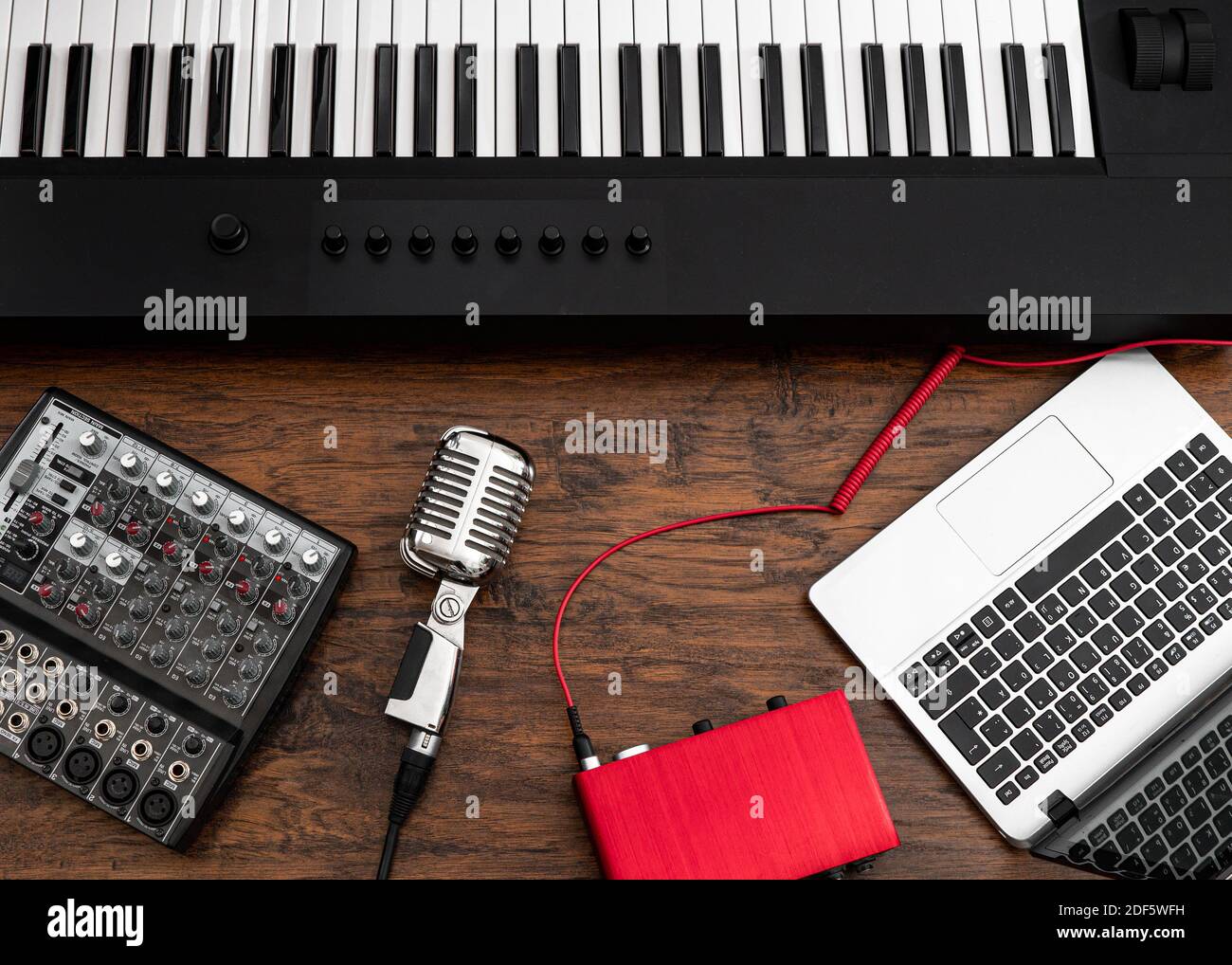
- Audio interface (for XLR mics) to connect to your computer or mobile device.
- Mic cables (XLR), stands, and pop shields or foam if needed.
- Headphones for monitoring without bleed.
- Recording app on phone or DAW on computer.
Why each item matters:
- Phone mics are convenient but limited in stereo and dynamics.
- A quality microphone plus an interface gives more control over tone and level.
- Headphones prevent unwanted room noise from being re-recorded.

How to record piano at home with phone or mic: phone-first approach
Using a phone is fast and effective when you know how to position it and set levels.
- Choose the right app
- Use a recorder app that supports WAV or high-bitrate formats and selectable sample rates.
- Position the phone
- Place the phone 3 to 6 feet from the piano, aimed at the center of the open lid for grand pianos or above the strings for uprights.
- Find the sweet spot
- Move left-right and closer-farther to reduce harsh highs or boomy lows. Record short tests and listen with headphones.
- Control levels
- Keep peaks below clipping. Aim for average peaks around -12 dBFS to preserve headroom.
- Reduce noise
- Turn off appliances, close windows, and use soft materials to damp room reflections if needed.
Phone tips from experience:
- Avoid putting the phone on the piano top; it captures mechanical noise.
- For stereo effect, use two phones spaced 1–2 feet apart and sync later.
This method works great for demos, quick uploads, and content where convenience matters most.

How to record piano at home with microphone and interface
A dedicated mic setup gives better fidelity and control. It’s ideal for performances, releases, or teaching material.
- Choose your mic
- Small-diaphragm condenser for clarity and transient response.
- Large-diaphragm condenser for rich tone and depth.
- Dynamic mic if the room is very bright or noisy.
- Select an audio interface
- Look for 48V phantom power for condensers, clean preamps, and low-latency monitoring.
- Connect and test
- Plug mic into interface with XLR. Enable phantom power if required. Monitor through headphones.
- Record in the DAW or mobile interface app
- Set sample rate to 44.1 or 48 kHz and bit depth to 24-bit for good dynamic range.
- Use two mics for stereo (optional)
- Spaced pair or XY pair creates a natural stereo image and depth.
Real-world advice:
- I found a single well-placed condenser mic often beats two poorly positioned mics.
- Interface preamps vary; test different gain levels to find the sweet sound without hiss.

Mic placement and room treatment: shape the sound before editing
Good placement wins over heavy EQ later. Your room changes everything.
Mic placement rules of thumb:
- For grand pianos: point toward the hammers from 1.5 to 3 feet away, slightly above the strings.
- For uprights: place at the top of the case with the lid open or remove a panel for direct access to strings.
- For stereo: spaced pair 2–3 feet apart or XY for a tight image.
Room tips:
- Soft furnishings absorb high reflections and reduce harshness.
- Use rugs or blankets to tame boom in small rooms.
- Place movable absorbers behind or to the sides of the piano to reduce slap echoes.
Avoid these common mistakes:
- Mic too close to a single string area gives a thin, nasal sound.
- Mic too close to the soundboard gives overwhelming low end.
- Ignoring ceiling reflections leads to a boxy tone.
My experience:
- In a small living room, angling the mic slightly downward and toward the lid cut a lot of brightness without EQ.

Recording settings, levels, and file formats
Set things right before you play. Proper settings save time and preserve quality.
- Sample rate and bit depth
- Use 44.1 or 48 kHz at 24-bit for balance of quality and file size.
- Gain staging
- Set preamp gain so loudest notes peak around -6 to -12 dBFS. Avoid clipping.
- File format
- Record to WAV or AIFF to keep uncompressed audio for editing.
- Stereo vs mono
- Use stereo for space and realism; mono can work for intimate or lo-fi vibes.
- Monitoring
- Use zero-latency monitoring if available to avoid distracting delay.
Why it matters:
- Higher bit depth reduces quantization noise.
- Headroom protects transients and keeps your dynamic piano sound natural.

Editing and basic post-production for a polished piano sound
Editing is where recordings become songs. Keep changes tasteful and musical.
- Clean up takes
- Trim silence, remove coughs, and crossfade regions for smooth transitions.
- Basic EQ
- High-pass filter around 40–60 Hz to remove stage rumble.
- Reduce harshness with a small cut around 2.5–5 kHz if needed.
- Compression
- Use gentle compression (1.5:1 to 3:1) with slow attack and medium release to control peaks without killing dynamics.
- Stereo widening and reverb
- Add a tasteful room or plate reverb to place the piano in space. Keep decay short in small rooms.
- Exporting
- Bounce to WAV for masters. Compress to MP3 at 320 kbps for online sharing.
Personal tip:
- I often record a dry take and a slightly roomier take, then blend them in the mix to keep clarity and ambiance.

Common mistakes and troubleshooting
Simple fixes often solve big problems. Check these first.
- Problem: Recording sounds thin or boxy
- Move the mic slightly farther or change angle toward the hammer area.
- Problem: Too much low end
- Move the mic away from the soundboard and use a gentle high-pass filter.
- Problem: Room echo and reverb are distracting
- Add absorbers or record with the lid closed and blend with a more distant mic.
- Problem: Clipping or distorted peaks
- Lower preamp gain and re-record; clipping cannot be fully fixed in post.
Practical lesson:
- Early in my recording work, I wasted time EQ’ing when moving the mic a few inches fixed the issue immediately.
Frequently Asked Questions of how to record piano at home with phone or mic
What is the best mic to record piano at home with phone or mic?
A small-diaphragm condenser captures detail and transients well, while a large-diaphragm adds warmth. Choose based on room and musical style.
Can I record piano with just my phone and get good quality?
Yes, with careful placement, a quiet room, and high-bitrate WAV recording you can get very usable results for demos and online videos. Test and tweak placement to find the sweet spot.
Should I record in mono or stereo for piano?
Stereo is preferred for realism and depth, but mono can work for focused, intimate tracks. Use stereo when you want spatial presence.
How far should I place the mic or phone from the piano?
Start 3 to 6 feet away for phones and 1.5 to 3 feet for mics, then adjust based on tone. Move small distances and listen for changes.
What recording settings should I use for piano?
Record at 24-bit and 44.1–48 kHz, aim for peaks around -6 to -12 dBFS, and save in WAV format for editing. This balances quality and file size.
Can room treatment really improve my piano recordings?
Yes, even simple steps like rugs, curtains, and blankets can reduce unwanted reflections and improve clarity. Treat the most reflective surfaces first.
Conclusion
Recording piano at home with phone or mic is entirely achievable with a few practical steps: choose the right gear, find the best placement, manage levels, and do light, tasteful editing. Start with the methods that match your budget and goals, practice test takes, and be patient—small changes make big improvements. Try one new technique this week, compare takes, and keep iterating. If this helped, leave a comment, subscribe for more guides, or share your recording experiences below.

Senior Music Reviewer
Alex Carter is a seasoned music reviewer with over a decade of experience in the world of sound and instruments. Passionate about helping musicians and enthusiasts make informed choices, he brings sharp insights and in-depth knowledge to every review. From classical instruments to modern gear, Alex combines technical expertise with a love for music to deliver content that resonates with readers.
As a Senior Music Reviewer and expert author on Tuneluma.com, Alex is dedicated to sharing honest evaluations, practical advice, and thoughtful commentary to guide readers in their musical journey.