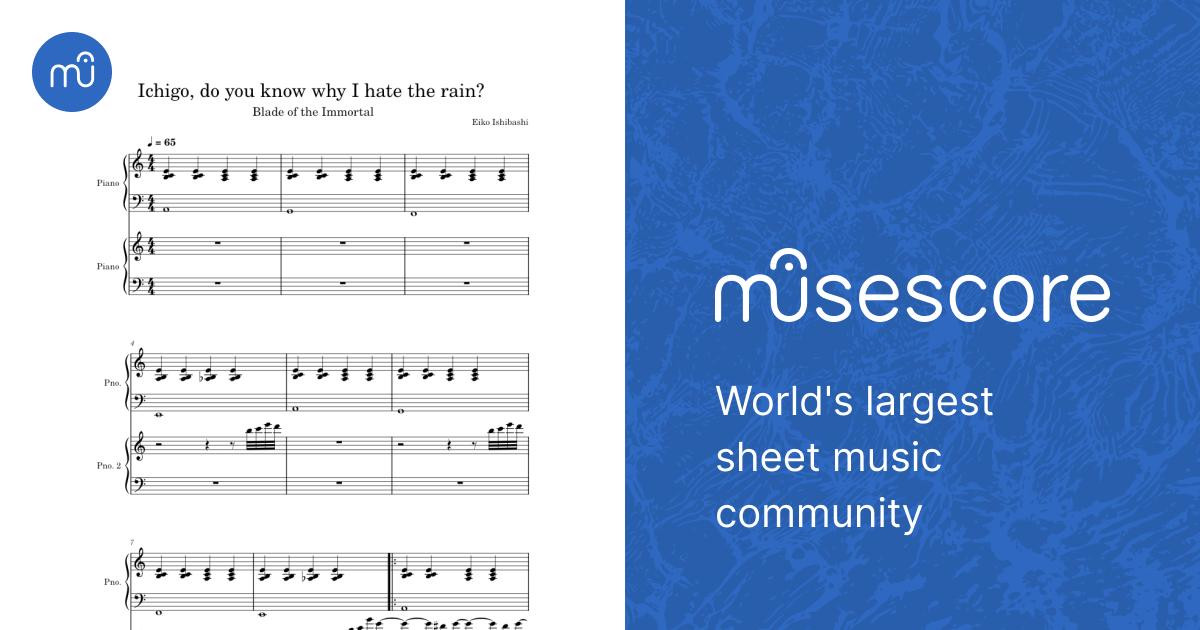
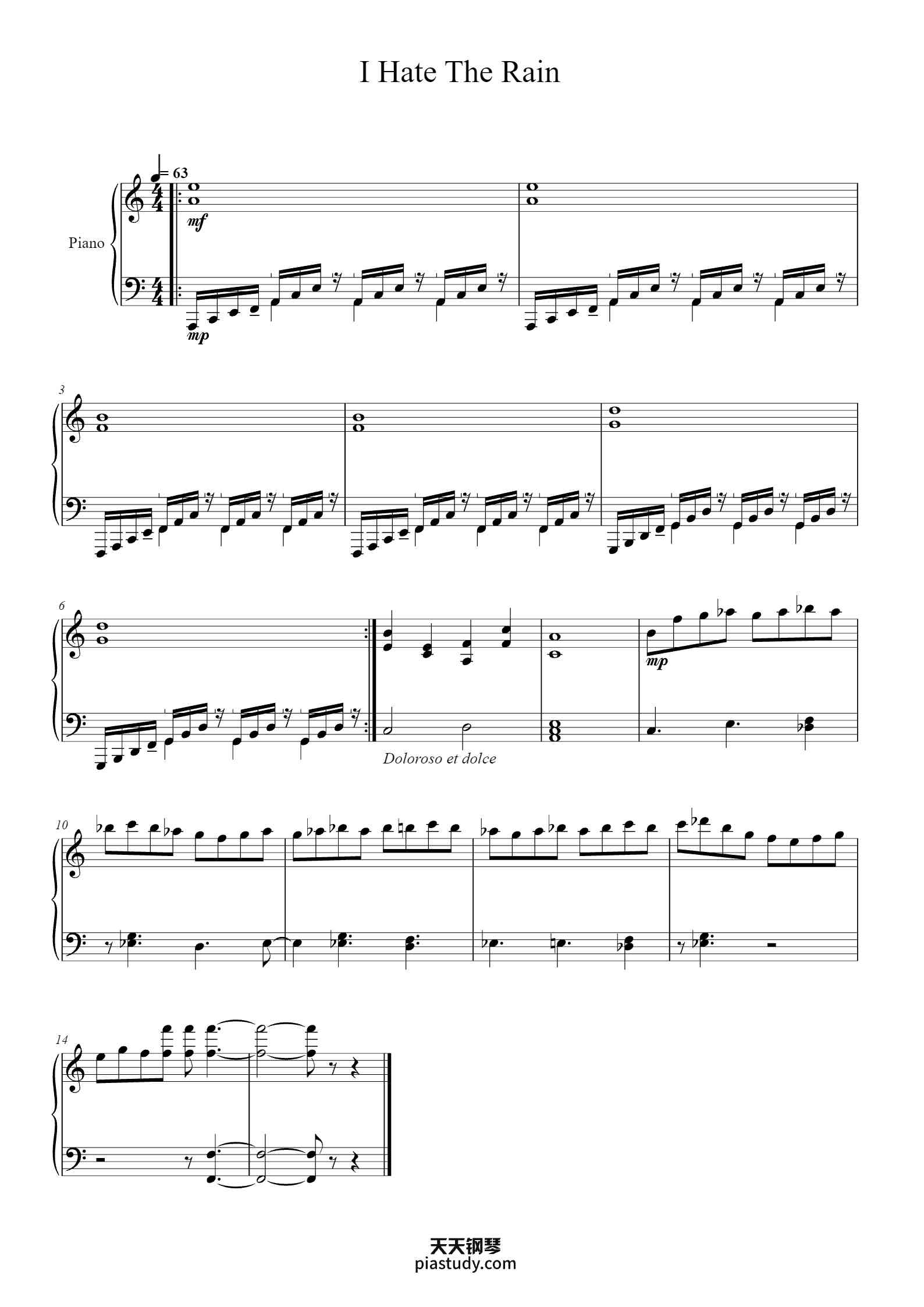
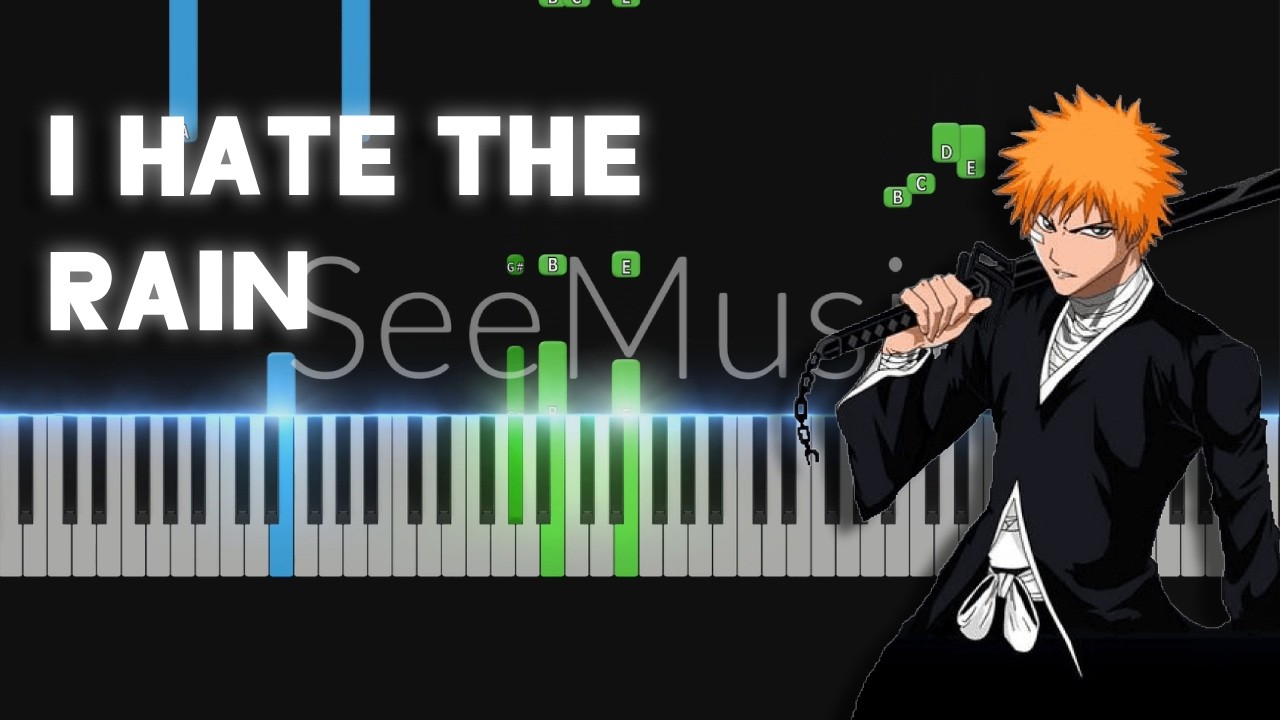
If you are searching for “Do You Know Why I Hate the Rain” piano, you may be looking for piano notes, chords, sheet music, or a tutorial for a specific recording. The phrase alone does not clearly identify one official song or one standard piano arrangement. Several online covers, edits, and short-form music clips may use similar wording.
The safest way to find the correct version is to match the artist, recording, key, and first few notes before learning it. Once you confirm the version, you can use the steps below to learn it by ear or find a legal arrangement in the United States.
What “Do You Know Why I Hate the Rain” piano may refer to
The search phrase can describe more than one thing:
- A song title
- A lyric from a song
- A TikTok or YouTube audio clip
- A piano cover
- A slowed or sped-up version
- A fan-made arrangement
- A request for piano chords or letter notes
This matters because each version may use a different key, tempo, chord pattern, and melody. A piano tutorial for one recording may not match another version with the same phrase.
Before downloading sheet music or using a tutorial, check these details:
| Detail | Why it matters |
|---|---|
| Artist or creator | Helps identify the correct song |
| Recording length | Edits may remove verses or change the ending |
| Key | Determines the notes and chord shapes |
| Tempo | Changes how the rhythm feels |
| Vocal melody | Helps confirm that the arrangement matches |
| Source platform | Indicates whether the version is official, licensed, or user-made |
If you only know the words, search the phrase in quotation marks. Add terms such as song, piano cover, lyrics, or the name of the platform where you heard it.
How to identify the correct song
Start with the source where you first heard the audio. Look at the sound title, creator name, description, comments, and linked music credits. Short videos often use a clip from a longer song, so the title shown in the app may not be the original title.
Next, compare the audio itself. Listen for the first piano notes, the vocal entrance, and the main chorus. If two clips sound similar, compare the melody rather than relying only on the words.
Useful search examples include:
"Do You Know Why I Hate the Rain" piano"Do You Know Why I Hate the Rain" chords"Do You Know Why I Hate the Rain" sheet music"Do You Know Why I Hate the Rain" piano tutorial"Do You Know Why I Hate the Rain" artist name
If you use a music-identification app, treat the result as a lead rather than final proof. Check the identified track against an official artist page, a licensed music service, or the original upload.
Signs that you found the right version
You likely have the correct song when:
- The opening notes match.
- The vocal rhythm matches the clip you heard.
- The chorus arrives at the same point.
- The song length is close to the original recording.
- The artist or creator credits match across more than one reliable source.
How to play the song on piano
Once you confirm the recording, learn the piece in small parts. Do not begin by trying to play the whole song at full speed.
1. Find the home note
The home note is the pitch where the song feels settled. Play single notes while the recording plays. One note should feel more stable than the others.
That note often gives you the song’s key, although some songs begin on a different note. If the song feels too high or too low for your voice, you can transpose it later.
2. Learn the melody first
Use your right hand to find the main vocal melody. Start with one short phrase. Pause the recording after each line and copy the notes slowly.
A simple process is:
- Play the phrase.
- Hum it.
- Find the first note.
- Move up or down until the next note matches.
- Write down the notes.
- Repeat the phrase several times.
You do not need perfect pitch. A keyboard, digital piano, or piano app can help you compare each note with the recording.
3. Add simple left-hand chords
After learning the melody, add basic chords with your left hand. Begin with block chords rather than complex patterns. Play one chord at the start of each measure and listen for changes.
A common beginner pattern uses:
- The root note in the left hand
- A simple three-note chord in the right hand
- Slow changes that follow the vocal phrase
For example, if the song is in C major, basic chords may include C, F, G, and A minor. This is only an example. Do not assume these chords fit the song until you compare them with the recording.
4. Match the rhythm
Many piano covers sound wrong because the notes are correct but the rhythm is not. First, count steady beats. Then decide whether the song uses straight notes, held notes, broken chords, or a repeated pattern.
Try this progression:
- Count the beat without playing.
- Tap the rhythm on your leg.
- Play only the bass notes.
- Add the chord.
- Add the melody.
- Increase the speed slowly.
5. Practice with a slower recording
A slow playback setting can make the melody easier to hear. Keep the pitch unchanged if possible. Some apps slow the song while preserving the original key, while others lower the pitch as they slow the audio.
Practice in short sections of two to four measures. Join the sections only after each one feels steady.

A beginner-friendly arrangement plan
If you cannot find official sheet music, you can create a simple arrangement without copying a complete protected score.
Use this three-layer plan:
Layer 1: Bass
Play the root note of each chord with your left hand. Use whole notes at first. This gives the song a clear foundation.
Layer 2: Chords
Play each chord with your right hand or add the third and fifth above the bass note. Keep the shapes close together so your hand does not jump across the keyboard.
Layer 3: Melody
Add the main vocal line above the chords. Keep the melody louder than the accompaniment so the song remains easy to recognize.
This method works well for a beginner because it separates the main tasks. You learn the song’s structure before adding decorative fills.
Example of a practice layout
This is a hypothetical layout, not the confirmed progression for the song:
| Section | Left hand | Right hand | Practice goal |
|---|---|---|---|
| Intro | Root notes | Light chord tones | Find the tempo |
| Verse | Slow bass notes | Simple chords | Support the voice |
| Chorus | Root and fifth | Full chords plus melody | Build volume |
| Bridge | Held bass notes | Broken chords | Keep the rhythm steady |
| Ending | Final root note | Resolve the last chord | Finish cleanly |
The best arrangement depends on the confirmed recording. A live performance may use different chords from a studio version.
Where to find legal piano notes and sheet music
For a known song, check the publisher, artist’s official website, licensed sheet-music stores, and reputable digital notation services. Search for the exact artist and title, not only the lyric phrase.
Look for arrangements labeled:
- Easy piano
- Piano solo
- Piano-vocal
- Lead sheet
- Chord chart
- Official sheet music
- Licensed digital download
A lead sheet usually shows the melody and chord symbols. It is useful if you want to create your own accompaniment. An easy piano arrangement reduces the difficulty but may simplify the original rhythm or harmony.
Avoid websites that promise every song for free but provide unclear files, forced downloads, or copied arrangements. In the United States, musical compositions and sound recordings can have separate copyright protection. The U.S. Copyright Office explains these differences in its copyright basics guide.
Buying or downloading a legal arrangement supports the songwriter and reduces the risk of using an altered or incomplete score.
Why a piano tutorial may not sound like the recording
A tutorial can differ from the original for several reasons.
The tutorial uses another key
A singer may transpose the song to fit their voice. The chord shapes may look different even when the melody is the same.
The arrangement is simplified
Beginner tutorials often remove passing chords, bass movement, and rhythmic details. The result may sound familiar but less full.
The recording is tuned differently
Some recordings are slightly above or below standard concert pitch. This can make the notes seem wrong when you play along on a normally tuned piano.
The clip is edited
A social media clip may be sped up, slowed down, looped, or joined to another section. It may not represent the full recording.
The player uses a capo or transposing tool
This issue is more common with guitar, but digital keyboards and music apps can also transpose notes. Check the settings before comparing your piano with the audio.
Common mistakes when learning “Do You Know Why I Hate the Rain” on piano
The most common mistake is assuming that a lyric search gives one exact song. Confirm the recording first.
Other mistakes include:
- Learning from a cover without checking the original key
- Playing every chord with the same volume
- Ignoring the song’s rhythm
- Practicing too fast
- Trying to learn the whole piece at once
- Using a chord chart that belongs to another version
- Downloading an incomplete or unlicensed score
- Focusing on finger speed instead of steady timing
If the song sounds close but not correct, stop and check the key, first chord, and melody. Those three details usually reveal the problem.

A simple 20-minute practice routine
A short routine can produce better results than one long session with no plan.
Minutes 1–3: Listen
Play the recording without touching the keyboard. Count the beat and notice where the sections change.
Minutes 4–8: Find the melody
Work on one vocal phrase with your right hand. Keep the tempo slow.
Minutes 9–13: Find the bass
Listen for the lowest notes. Play one bass note at a time and mark where it changes.
Minutes 14–17: Join melody and chords
Use simple block chords. Do not add fills yet.
Minutes 18–20: Record yourself
Play the section once and listen back. Check three things:
- Is the beat steady?
- Is the melody clear?
- Do the chord changes happen at the right time?
If one part fails, return to that part instead of restarting the whole song.
When to use sheet music, chords, or a video tutorial
Choose the format that matches your goal.
| Your goal | Best starting format |
|---|---|
| Sing while playing | Chord chart or lead sheet |
| Play the exact piano part | Full sheet music |
| Learn by watching hand movement | Video tutorial |
| Play as a beginner | Easy-piano arrangement |
| Change the key | Lead sheet or chord chart |
| Understand the melody | Right-hand notes or standard notation |
Video tutorials can show fingering and rhythm well, but they may not explain the theory. Chord charts are flexible, but they may leave out the exact piano pattern. Full sheet music is more detailed, but it may be harder for a new player to read.
Frequently asked questions
Is “Do You Know Why I Hate the Rain” an official song title?
The phrase may refer to a song title, lyric, cover, or short-form audio. It is not enough by itself to identify one definitive recording. Confirm the artist and source before choosing piano notes.
Can I get the piano notes for free?
Some artists or publishers provide free arrangements. Other songs require a licensed purchase. Free user-created tutorials may be useful, but check whether the arrangement is authorized and whether it matches the recording.
What if I do not know the artist?
Use the platform where you heard the song, search the exact phrase in quotation marks, and compare the first notes. You can also use a music-identification app, then verify the result through an official source.
What key should I play it in?
Use the key of the recording if you want to play along with it. Choose another key if you want to sing comfortably. A digital keyboard’s transpose function can help, but learning the chord shapes in the new key is more useful over time.
Why do my chords sound wrong?
The most likely causes are an incorrect song version, a different key, a wrong first chord, or a rhythm problem. Check the bass note first, then the chord quality, then the timing.
Final answer: how to find the right piano version
The phrase “Do You Know Why I Hate the Rain piano” does not identify enough information for one guaranteed set of notes. First confirm the artist, recording, and key. Then learn the melody, find the bass movement, add simple chords, and build the rhythm slowly.
For a reliable result, use an official or licensed arrangement when one is available. If no verified score exists, create a personal arrangement from the recording without assuming that an online chord chart belongs to the same version.

Senior Music Reviewer
Alex Carter is a seasoned music reviewer with over a decade of experience in the world of sound and instruments. Passionate about helping musicians and enthusiasts make informed choices, he brings sharp insights and in-depth knowledge to every review. From classical instruments to modern gear, Alex combines technical expertise with a love for music to deliver content that resonates with readers.
As a Senior Music Reviewer and expert author on Tuneluma.com, Alex is dedicated to sharing honest evaluations, practical advice, and thoughtful commentary to guide readers in their musical journey.