
How To Connect Headphones To Piano Properly: Quick Setup
Use the piano's headphone jack or line out, match the plug, then set volume low and test.
I have spent years teaching piano and fixing gear for students. I will show you how to connect headphones to piano properly. This guide covers digital and acoustic setups, the right cables and adapters, safety tips, and real-world tricks I learned on stage and in lessons. Read on to get clear, simple steps that work every time.
Why use headphones with your piano
Headphones let you practice any time without bothering others. They give you focus and let you hear details. For teachers, headphones help during lessons and recording. Knowing how to connect headphones to piano properly saves time and protects gear.

Understand your piano's outputs
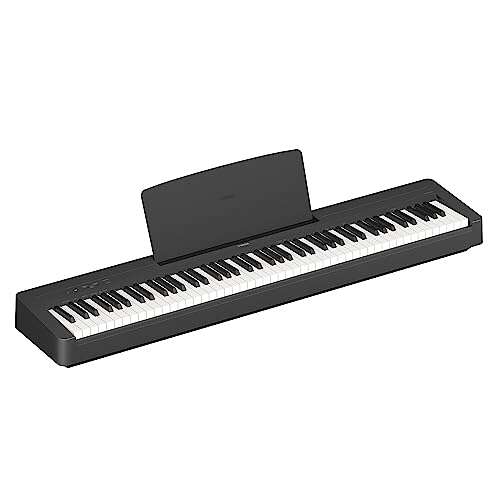
Most modern digital pianos have a dedicated headphone jack. Some have two jacks or a stereo mini (3.5mm) plus full-size (1/4") outputs. Many keyboards offer line out or USB audio that can send sound to headphones via an interface. Acoustic pianos need a pickup or microphone and an amplifier or headphone amp. Learn your piano's output types before buying gear.
Choose the right headphones
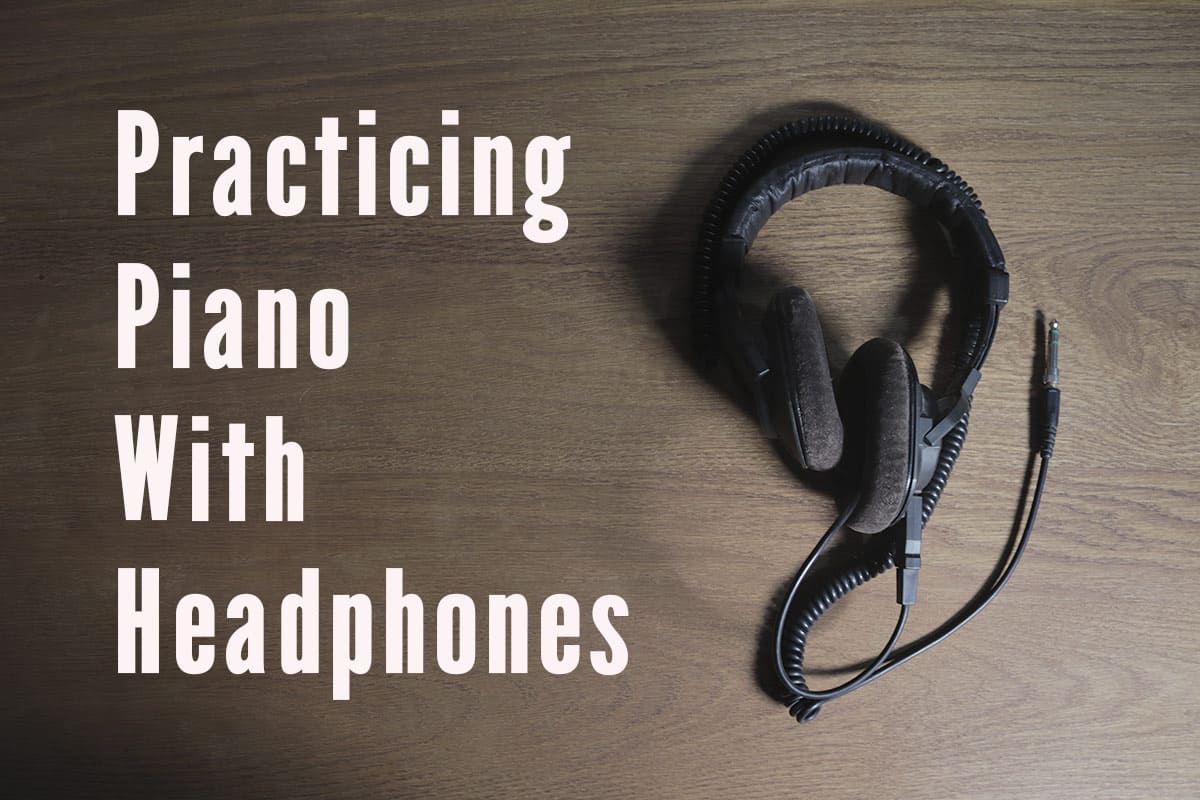
Pick closed-back headphones for quiet practice. They reduce sound bleed and help you focus. Look for models that are comfortable for long sessions. For recording, use open-back cans if you want natural room sound, but not for silent practice. If your piano uses a 1/4" jack, use headphones with a matching plug or an adapter. Choosing the right pair is a key step in how to connect headphones to piano properly.

Step-by-step: how to connect headphones to piano properly
- Check the output type.
- Find the headphone jack or line out on your piano.
- Note if it is 3.5mm, 1/4", RCA, USB, or balanced TRS/XLR.
- Get the right cable or adapter.
- Use a 3.5mm to 1/4" adapter if needed.
- For USB audio, install any drivers and use the piano as a sound device.
- Power off or set volume low.
- Turn the piano down before plugging in.
- Protect your ears and the headphones from pops.
- Plug in and set volume slowly.
- Connect the headphones to the jack or interface.
- Raise the volume to a safe, comfortable level.
- Test with music and play.
- Play a piece and listen for clarity and balance.
- Adjust levels on piano, amp, or audio interface.
Repeat these steps any time you change headphones or use a new cable. Practicing this sequence is the clearest way to learn how to connect headphones to piano properly.

Connecting headphones to acoustic pianos
Acoustic pianos do not have a built-in headphone jack. You need a pickup, mic, or contact sensor. Then you must send that signal to a headphone amp or PA with a headphone output. Common paths:
- Use a contact pickup on the soundboard and a small headphone amp.
- Use a condenser mic and an audio interface, then connect headphones to the interface.
- Use a digital piano module if you retrofit sensors; follow the module's output instructions.
If you record or perform, choose a clean preamp or interface to avoid noise. When you learn how to connect headphones to piano properly for an acoustic piano, plan for cables, power, and mic placement.

Common problems and fixes
Buzzing or hum
- Check grounding. Use balanced cables for long runs. Try a ground lift on the DI if safe.
No sound in one ear
- Check the headphone plug orientation and try a different cable. Try the headphones on another device.
Distorted sound at low volume
- Ensure the piano's headphone output is not meant only for high-impedance studio cans. Use a headphone amp or proper interface.
Latency when using USB
- Lower buffer size in the audio settings or use a direct monitoring feature. Use a low-latency driver if available.
These tips solve most issues and help you maintain a clean setup for how to connect headphones to piano properly.

Hearing safety and best practices
Use the 60/60 rule. Listen at 60% volume for no more than 60 minutes before a break. Use volume limiters if you have young players. Choose comfortable, well-padded headphones and take short breaks to avoid ear fatigue. Protect your ears and the life of your headphones by plugging and unplugging gently. Following these steps is part of doing how to connect headphones to piano properly in a safe way.

Accessories and adapters you may need
- 3.5mm to 1/4" adapter for many headphones.
- Stereo 1/4" Y-split if you need dual mono outs.
- Small headphone amp for acoustic pickups.
- USB audio interface for better sound and lower latency.
- DI box or ground isolator to remove hum.
These items make the process simpler and more reliable. They also help you adapt to different pianos and headphones, which matters for how to connect headphones to piano properly.

Personal tips and lessons learned
I once taught a student who always had a loose adapter. It caused dropouts mid-lesson. Now I always test cables before class. I also label adapters and keep a spare 1/4" adapter in my case. When you first learn how to connect headphones to piano properly, expect small setbacks. Keep spares, test gear, and set volumes low. Those habits save time and frustration.
Quick answers (short PAA-style questions)
Do I need a special cable to connect headphones to my piano?
Usually you only need an adapter for the plug size. Sometimes a headphone amp or interface is required for acoustic setups.
Can I use wireless headphones with my piano?
Yes. Use a low-latency Bluetooth transmitter or a built-in wireless output. Watch for delay and battery limits.
Will connecting headphones damage my piano?
No, not if you use the headphone jack as intended. Avoid forcing wrong plugs into sockets.
Frequently Asked Questions of how to connect headphones to piano properly
What type of jack do most digital pianos use for headphones?
Most use a 1/4" headphone jack or a 3.5mm mini jack. Some models offer both. Check your piano's manual for exact specs.
Can I connect studio headphones directly to a digital piano?
Yes, studio headphones can plug in directly if they match the jack. Use an adapter for 3.5mm or 1/4" as needed.
How do I avoid latency when using headphones with USB?
Use a low-latency driver and lower the audio buffer size. A dedicated audio interface with direct monitoring also helps.
Do I need a headphone amp for acoustic piano pickups?
Often yes. Acoustic pickups can be low output and need a small amp or interface to drive headphones cleanly.
Is it safe to use Bluetooth for practice?
Bluetooth is fine for casual practice, but expect slight latency. For tight timing or recording, use wired connections.
Conclusion
Connecting headphones to your piano properly is simple when you know the outputs, choose the right headphones, and follow safe volume habits. Test gear, use the correct cables, and keep spare adapters. Start slow, protect your ears, and practice good cable care. Try the steps here and leave a comment about your setup or questions. If this guide helped, subscribe or explore more resources to improve your practice time.

Senior Music Reviewer
Alex Carter is a seasoned music reviewer with over a decade of experience in the world of sound and instruments. Passionate about helping musicians and enthusiasts make informed choices, he brings sharp insights and in-depth knowledge to every review. From classical instruments to modern gear, Alex combines technical expertise with a love for music to deliver content that resonates with readers.
As a Senior Music Reviewer and expert author on Tuneluma.com, Alex is dedicated to sharing honest evaluations, practical advice, and thoughtful commentary to guide readers in their musical journey.